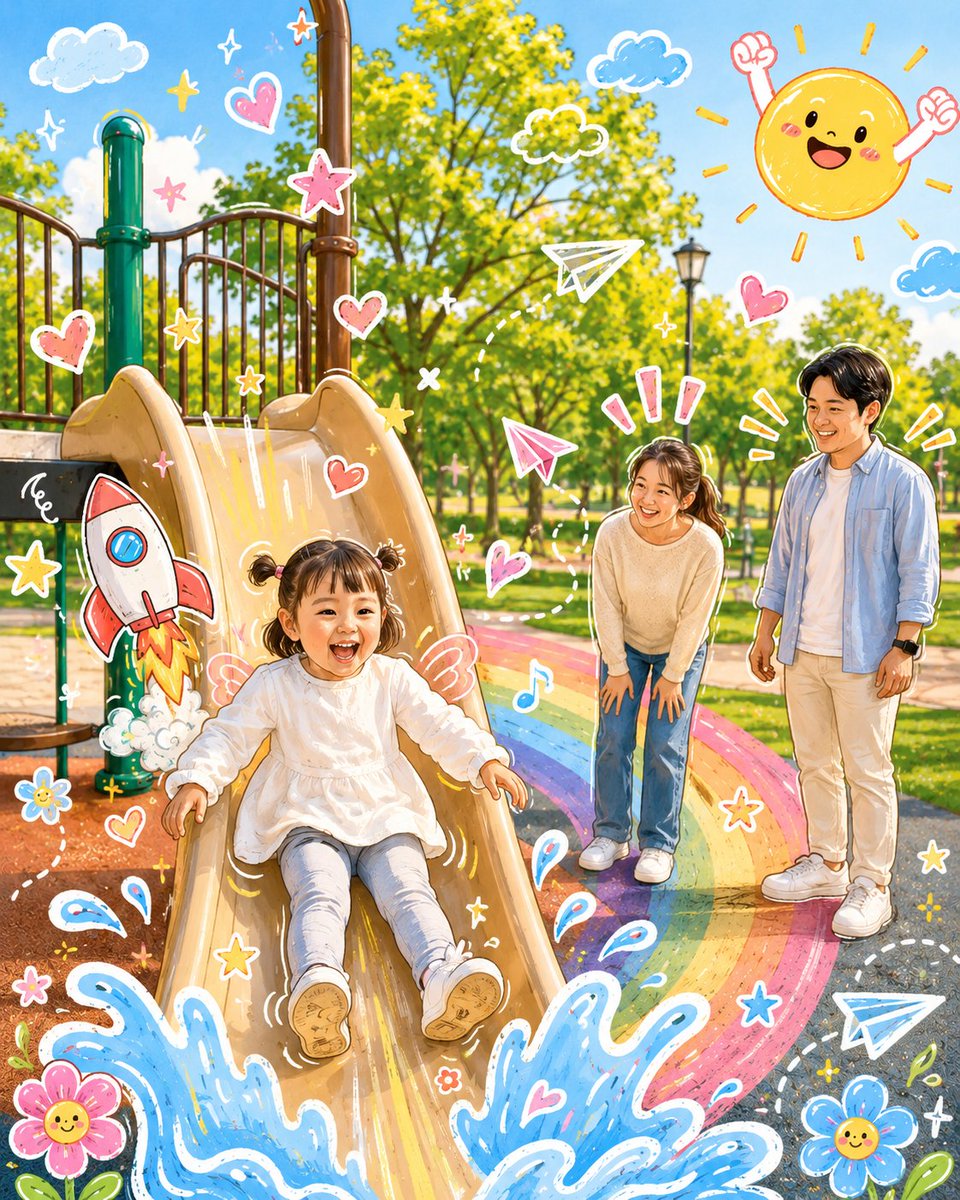
Analyze the uploaded image, preserving the main subject, composition, and lighting of the original. Do not change the identity or facial structure of the protagonist. Add some {argument name="doodle elements" default="fun hand-drawn doodle elements"} that directly interact with the subject of the photo. These doodles can mimic, follow, or exaggerate existing shapes, poses, or movements—such as outlining poses, extending arms or legs, adding dynamic lines, or creating imaginative elements that 'interact' with the subject; be bold with the imagination.

Transform the entire image into a {argument name="illustration style" default="cute cartoon-style illustration"} with a lovable doodle aesthetic. Maintain the original scene and character details while applying a vivid, soft, and playful cartoon look.