Renovation Visualization: After Frame - Image 1

Image prompt

Renovation Visualization: After Frame

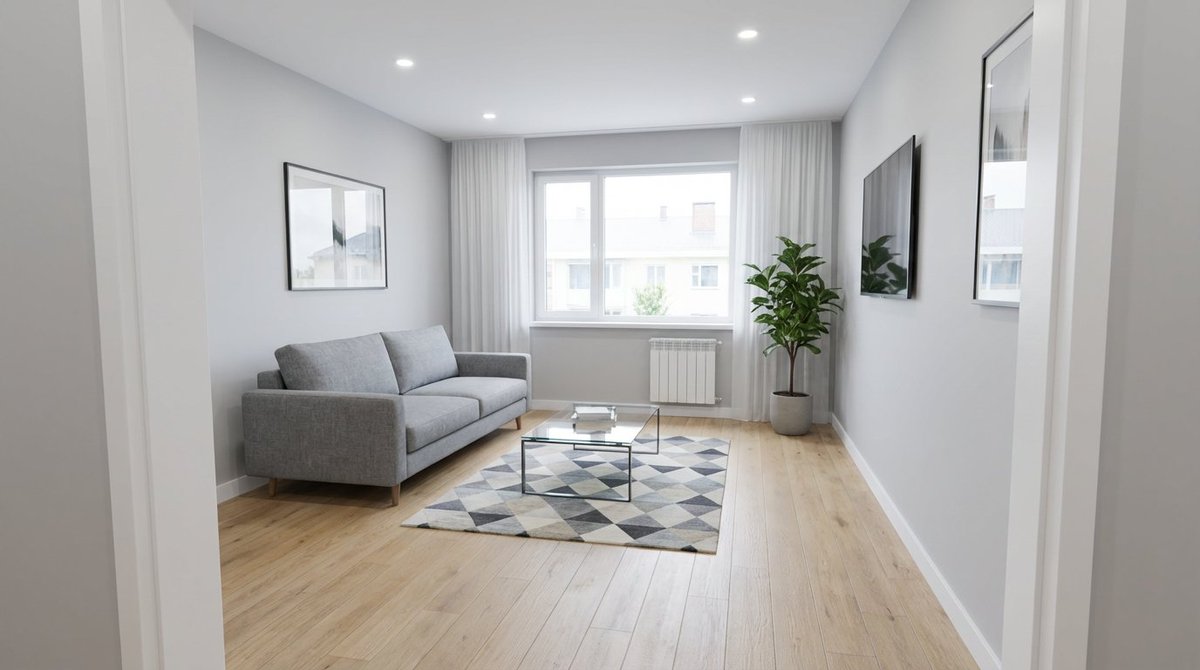
This is the second part of a two-step renovation visualization prompt, designed to generate the 'after' image. It instructs the AI to use the exact camera parameters and composition from a previously generated 'before' image (presumably a messy room) and transform the space into a beautifully renovated, modern, minimalist living room with high-end details and professional real-estate photography aesthetics.

Model
Nano Banana Pro Prompts
Category
App / Web Design
Source
Internal curation
60 views 0 copies 0 try clicks

Full Prompt

Copy directly into the target model and adjust for your input assets.

Back To Library
Use the EXACT same camera position, lens and composition as the before image (doorway viewpoint, 24mm wide-angle, same window/door/ceiling lines). Transform the space into a beautifully renovated modern minimalist living room: clean smooth walls in warm off-white, new light oak wood flooring, recessed ceiling with soft cove lighting, elegant curtains, subtle decor, bright natural daylight, premium real-estate photography look, ultra clean, high-end details, 9:16, photorealistic.
Negative:
cartoon, CGI, fisheye, messy, mold, stains, debris, people, text, watermark, logo

Source Record

Original source details are kept for attribution and review.

GitHub source:YouMind-OpenLab/nano-banana-pro-prompts-recommend-skill

This page is adapted from YouMind OpenLab GitHub prompt libraries. License: MIT。