Full Prompt
Copy directly into the target model and adjust for your input assets.
Back To Library
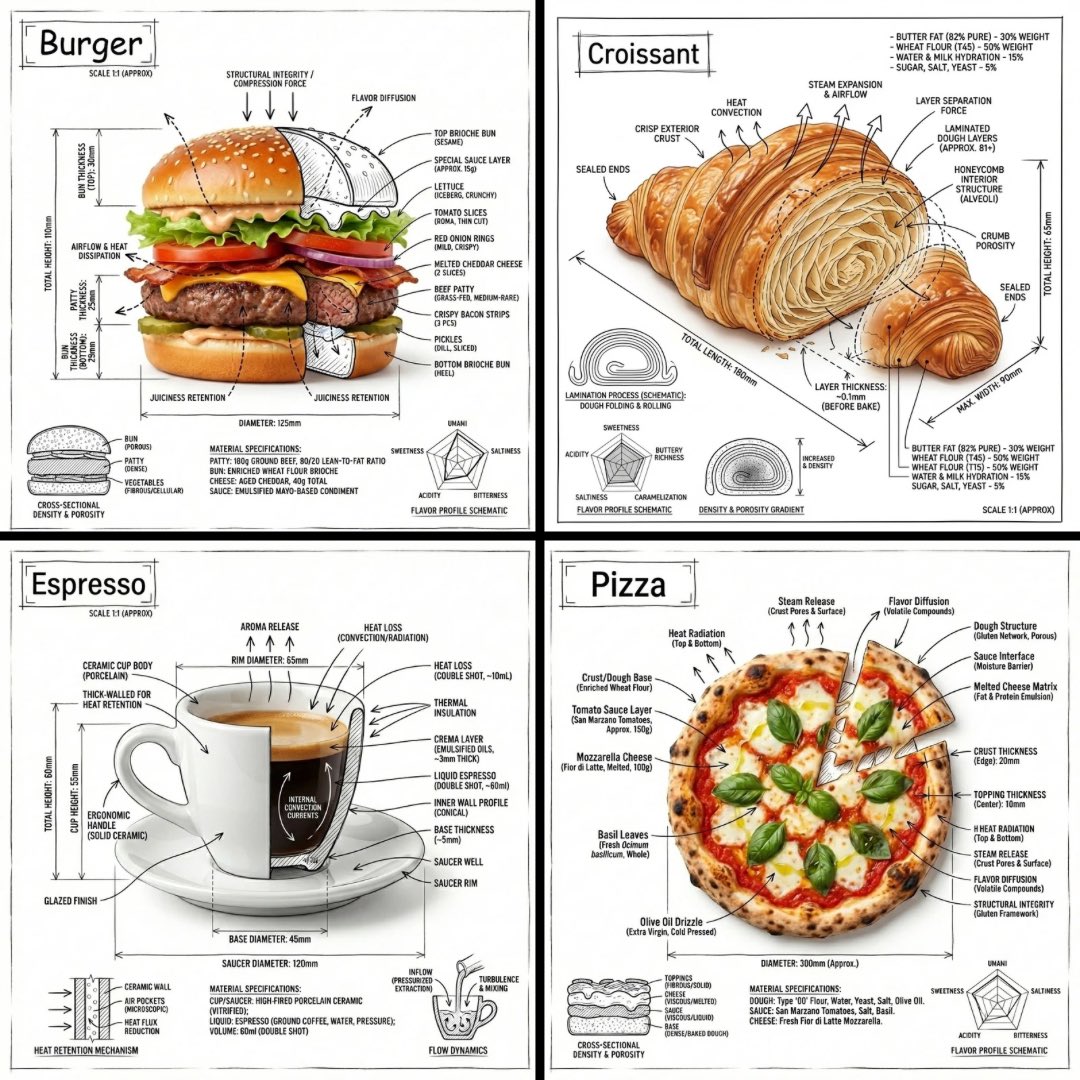
Generate an infographic image of any food item, combining a realistic photograph or photoreal render with technical annotation overlays placed directly on top. Use {argument name="drawing style" default="black ink-style line drawings"} and text (technical pen / architectural sketch look) on a {argument name="background" default="pure white studio background"}. Include: {argument name="elements" default="key component labels, internal cutaway or exploded-view outlines, measurements and scale markers"}, material callouts and quantities, arrows indicating function or flow, simple schematic or sectional diagrams where relevant. Place the food name as a title inside a hand-drawn annotation box in one corner. The real object should remain clearly visible beneath the annotations. Annotations should feel sketched, technical, and architectural. Clean composition with balanced negative space, educational museum-exhibit / engineering-manual vibe. White background, black annotation lines and text only, no colors. Output: 1080x1080, ultra-crisp, no watermark.