Full Prompt
Copy directly into the target model and adjust for your input assets.
Back To Library
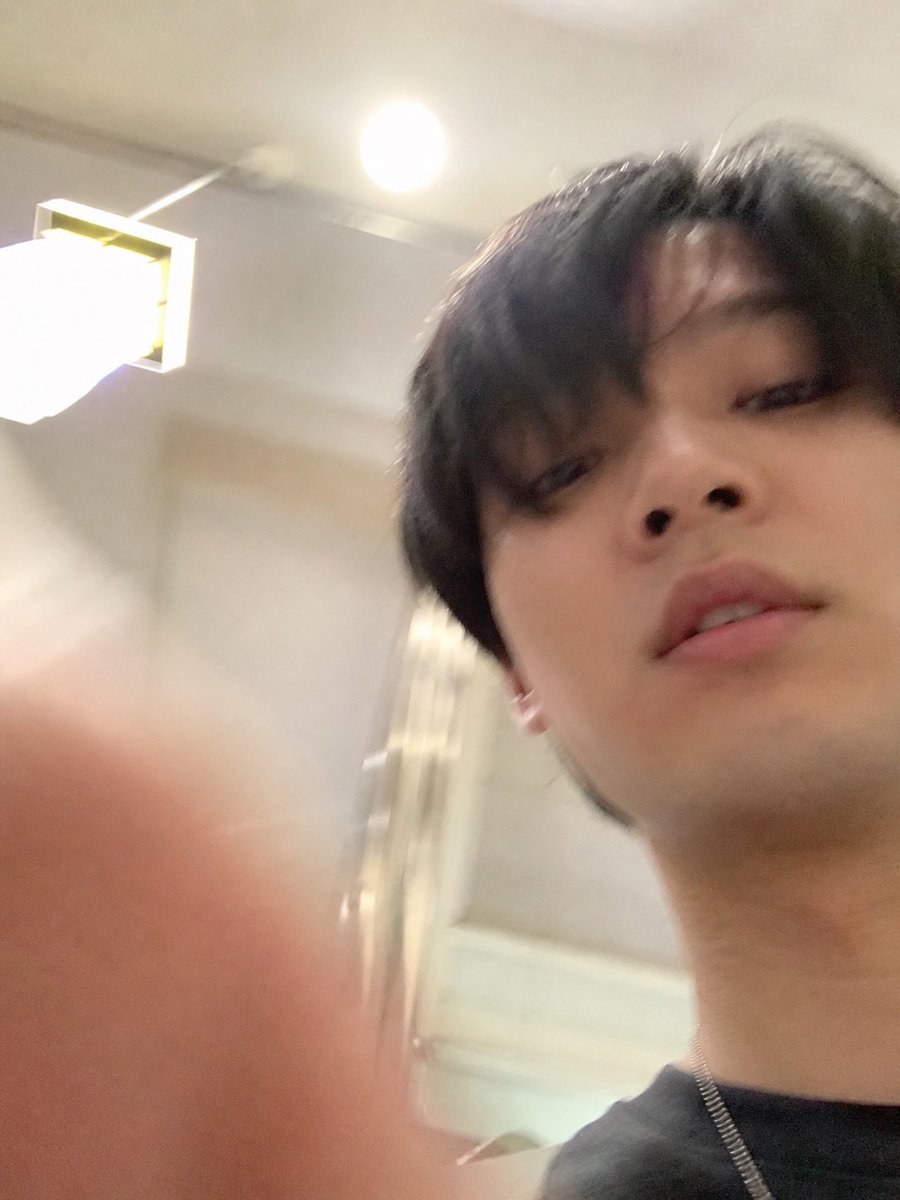
Using REFERENCE_1 as the source, isolate the lower accidental selfie photo and turn it into the final standalone image: remove the ChatGPT interface, text bubble, download icon, and input bar completely, then uncrop/extend the snapshot so it fills the frame as a vertical iPhone-style photo. Follow the intent described in REFERENCE_0: make it look like an ordinary, slightly failed, unplanned selfie taken while pulling a phone from a pocket, with a careless low angle, messy composition, slight motion blur, uneven lighting, mild overexposure from the room lights, and a very realistic casual phone-camera feel. Keep the same indoor room, ceiling light, wall lamp, and subject from the lower photo, but show more of the face, neck, dark shirt, and a thin chain necklace, with a blurry finger partially covering the lower-left foreground. Avoid making it look posed, polished, cinematic, or intentionally composed.