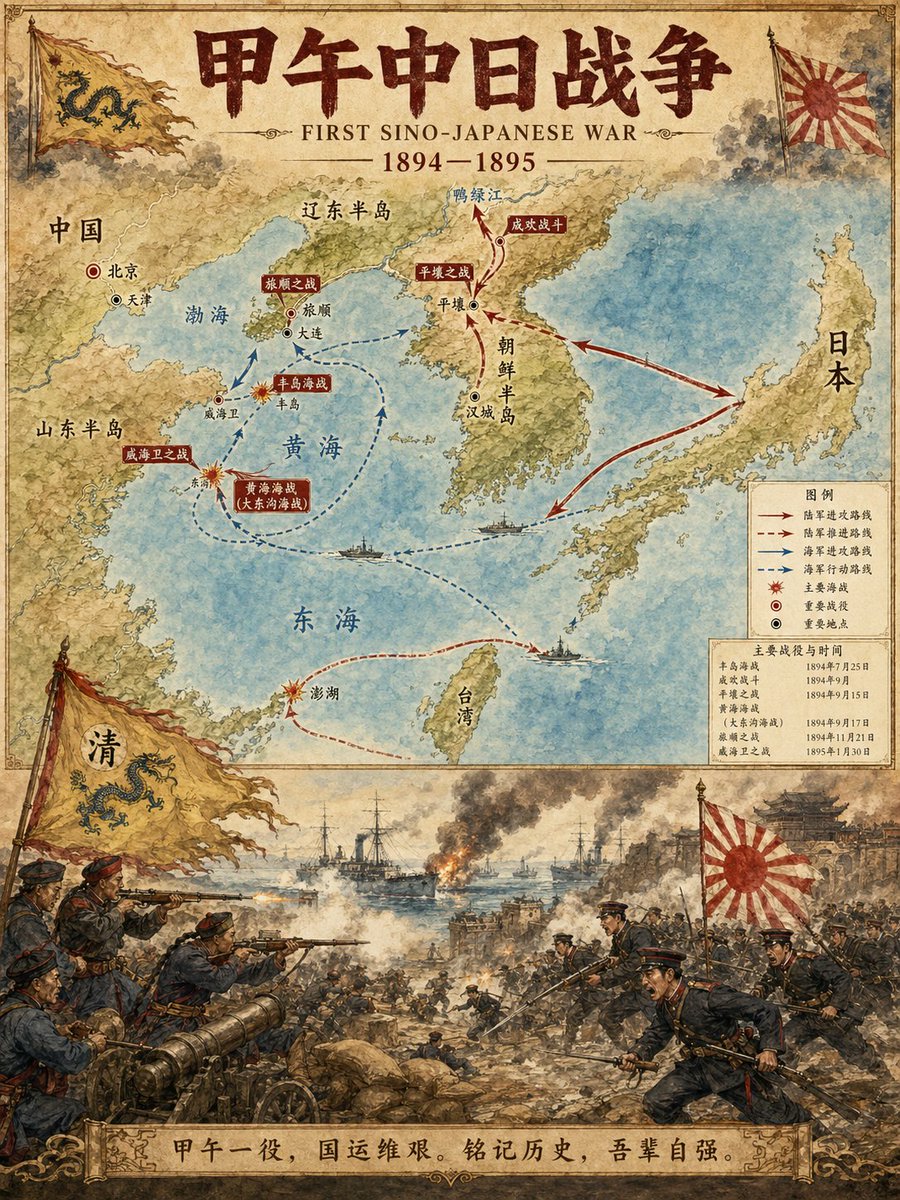
Full Prompt
Copy directly into the target model and adjust for your input assets.
Back To Library
Historical Event Map Illustrator

You are a professional historical infographic designer. Based on the historical [Subject] specified by the user, generate a vertical, two-part map and scene illustration that matches the watercolor/illustrative style of the reference image.

Layout Structure:
1. Top Half:
Detailed map showing routes of the historical event, key locations, and directional arrows.
Clear labeling of cities, regions, and water bodies.
Marking of major battle sites and important stations.
2. Bottom Half:
Vivid, dramatic scene illustration.
Depicting key moments of the historical event (battles, marches, significant events, etc.).
3. Title/Header:
Bold title displaying "{argument name="historical event" default="FIRST SINO-JAPANESE WAR"}"
Includes subtitles and dates.
Visual Style Requirements:
Warm watercolor illustration texture.
Accurate historical details.
Clear typographic design.
Vertical format.
4K Ultra HD resolution.
Direct image generation.

Subject: {argument name="subject" default="First Sino-Japanese War"}
Ratio: {argument name="aspect ratio" default="3:4"}